Sale Price:
$25.00
Original Price:
$35.00
Your Fire Birthday Edit Kit includes everything you need to create cinematic fire-themed birthday edits in Photoshop. Every asset has been organized into individual folders, making it quick and easy to build your final composition.
🔥 Fire Animals
Bring your edits to life with realistic fire animals that can be placed behind, beside, or around your subject for added visual impact.
Includes examples like:
🏙️ Fire Backgrounds
A collection of professionally designed fire environments to use as the foundation of your edit.
These backgrounds are designed to pair naturally with the included overlays and effects.
✨ Fire Embers
High-resolution ember overlays that add depth, atmosphere, and realism to your final image.
Perfect for foreground and background layering.
🎨 Fire Gradients
Color grading overlays designed to blend your entire composition together with warm cinematic tones.
Use these as one of the final layers in your Photoshop document.
♈ Fire Horoscopes
Fire-themed zodiac graphics to personalize birthday edits.
Perfect for adding an extra creative touch based on your client's zodiac sign.
🔥 Fire Letters
A complete fire alphabet for creating custom names, initials, words, and titles.
Includes:
Uppercase letters
Lowercase letters
🔢 Fire Numbers
Individual fire numbers for creating any birthday age or custom number combination.
Simply drag, resize, and position them however you'd like.
🔥 Fire Overlays
A variety of realistic flame overlays that can be layered throughout your composition.
Use them to:
Wrap around the subject
Add foreground depth
Hide masking transitions
Enhance realism
🎂 Popular Numbers
Pre-built birthday number combinations for the most commonly requested ages.
Designed to help speed up your workflow by eliminating the need to build every number from scratch.
📸 Practice Edit Files
Follow along with the tutorial using the exact RAW images used during the demonstration.
This allows you to practice the complete workflow before editing your own client images, making it easier to learn how each asset works together.
💡 Pro Tip
Most assets in this kit work best using either Lighten or Screen blend mode. Experiment with both and adjust the layer opacity until each element blends naturally into your composition.
Watch The Tutorial : https://youtu.be/ROWy_Bc6upE
Your Fire Birthday Edit Kit includes everything you need to create cinematic fire-themed birthday edits in Photoshop. Every asset has been organized into individual folders, making it quick and easy to build your final composition.
🔥 Fire Animals
Bring your edits to life with realistic fire animals that can be placed behind, beside, or around your subject for added visual impact.
Includes examples like:
🏙️ Fire Backgrounds
A collection of professionally designed fire environments to use as the foundation of your edit.
These backgrounds are designed to pair naturally with the included overlays and effects.
✨ Fire Embers
High-resolution ember overlays that add depth, atmosphere, and realism to your final image.
Perfect for foreground and background layering.
🎨 Fire Gradients
Color grading overlays designed to blend your entire composition together with warm cinematic tones.
Use these as one of the final layers in your Photoshop document.
♈ Fire Horoscopes
Fire-themed zodiac graphics to personalize birthday edits.
Perfect for adding an extra creative touch based on your client's zodiac sign.
🔥 Fire Letters
A complete fire alphabet for creating custom names, initials, words, and titles.
Includes:
Uppercase letters
Lowercase letters
🔢 Fire Numbers
Individual fire numbers for creating any birthday age or custom number combination.
Simply drag, resize, and position them however you'd like.
🔥 Fire Overlays
A variety of realistic flame overlays that can be layered throughout your composition.
Use them to:
Wrap around the subject
Add foreground depth
Hide masking transitions
Enhance realism
🎂 Popular Numbers
Pre-built birthday number combinations for the most commonly requested ages.
Designed to help speed up your workflow by eliminating the need to build every number from scratch.
📸 Practice Edit Files
Follow along with the tutorial using the exact RAW images used during the demonstration.
This allows you to practice the complete workflow before editing your own client images, making it easier to learn how each asset works together.
💡 Pro Tip
Most assets in this kit work best using either Lighten or Screen blend mode. Experiment with both and adjust the layer opacity until each element blends naturally into your composition.
Watch The Tutorial : https://youtu.be/ROWy_Bc6upE
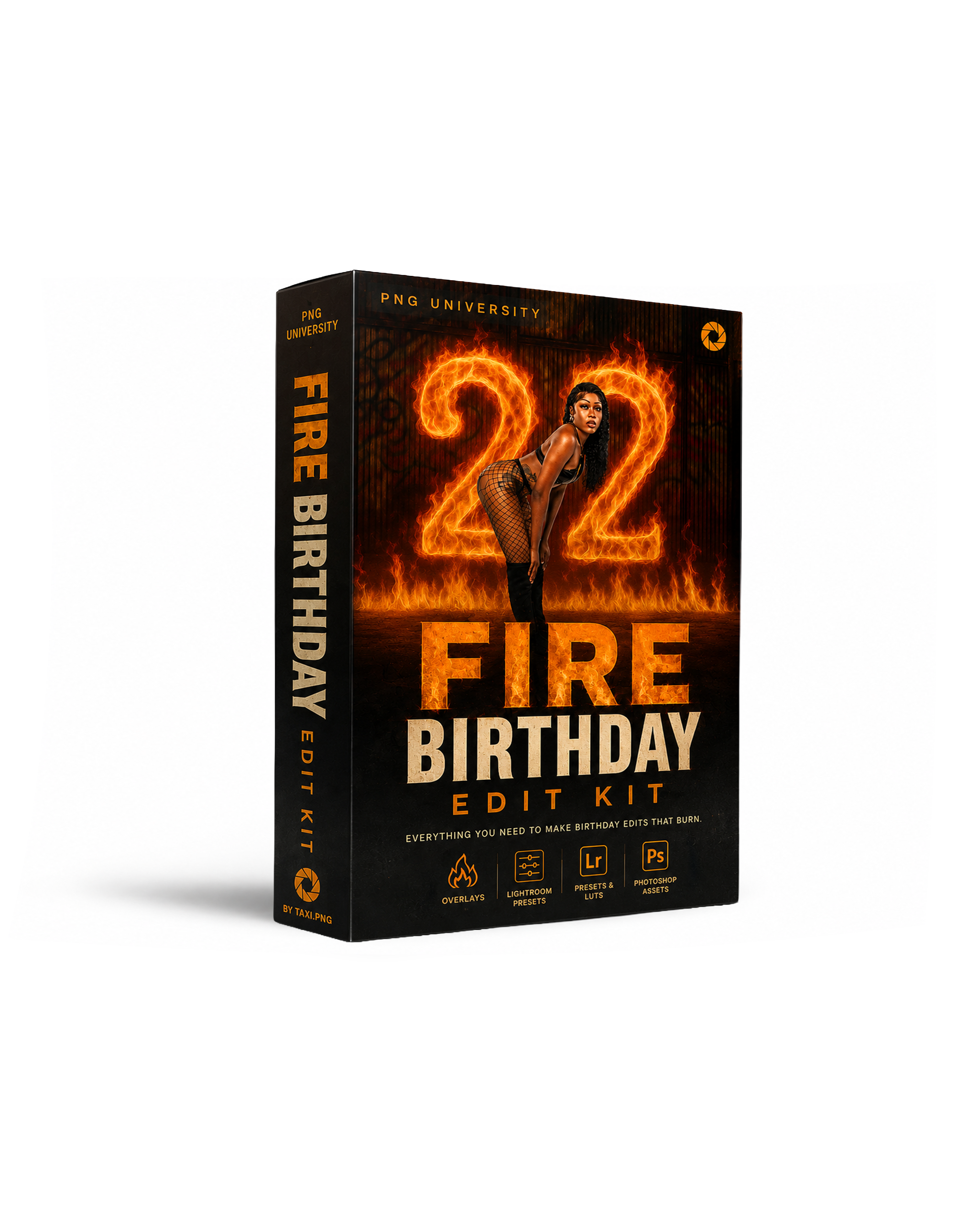 Image 1 of 11
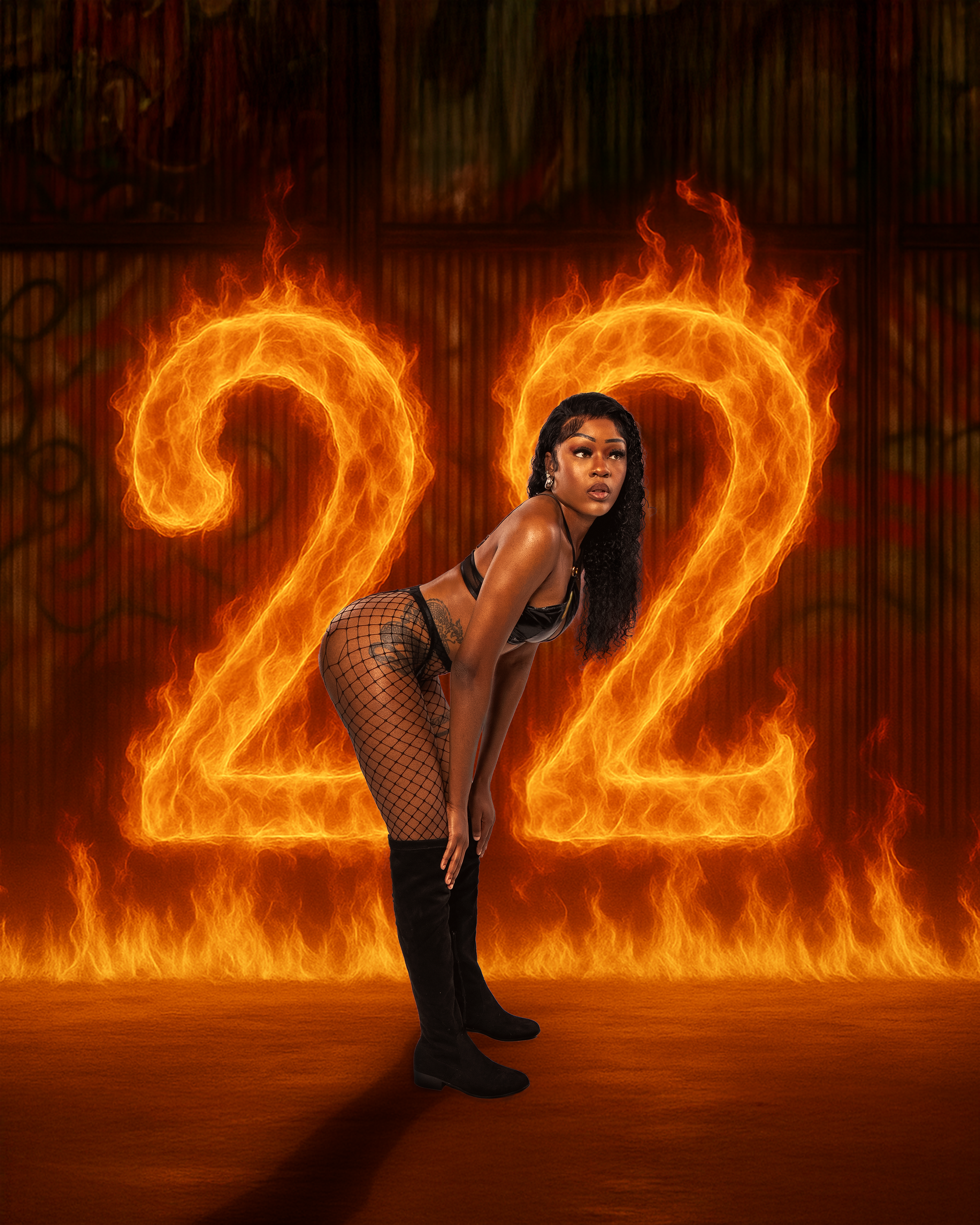 Image 2 of 11
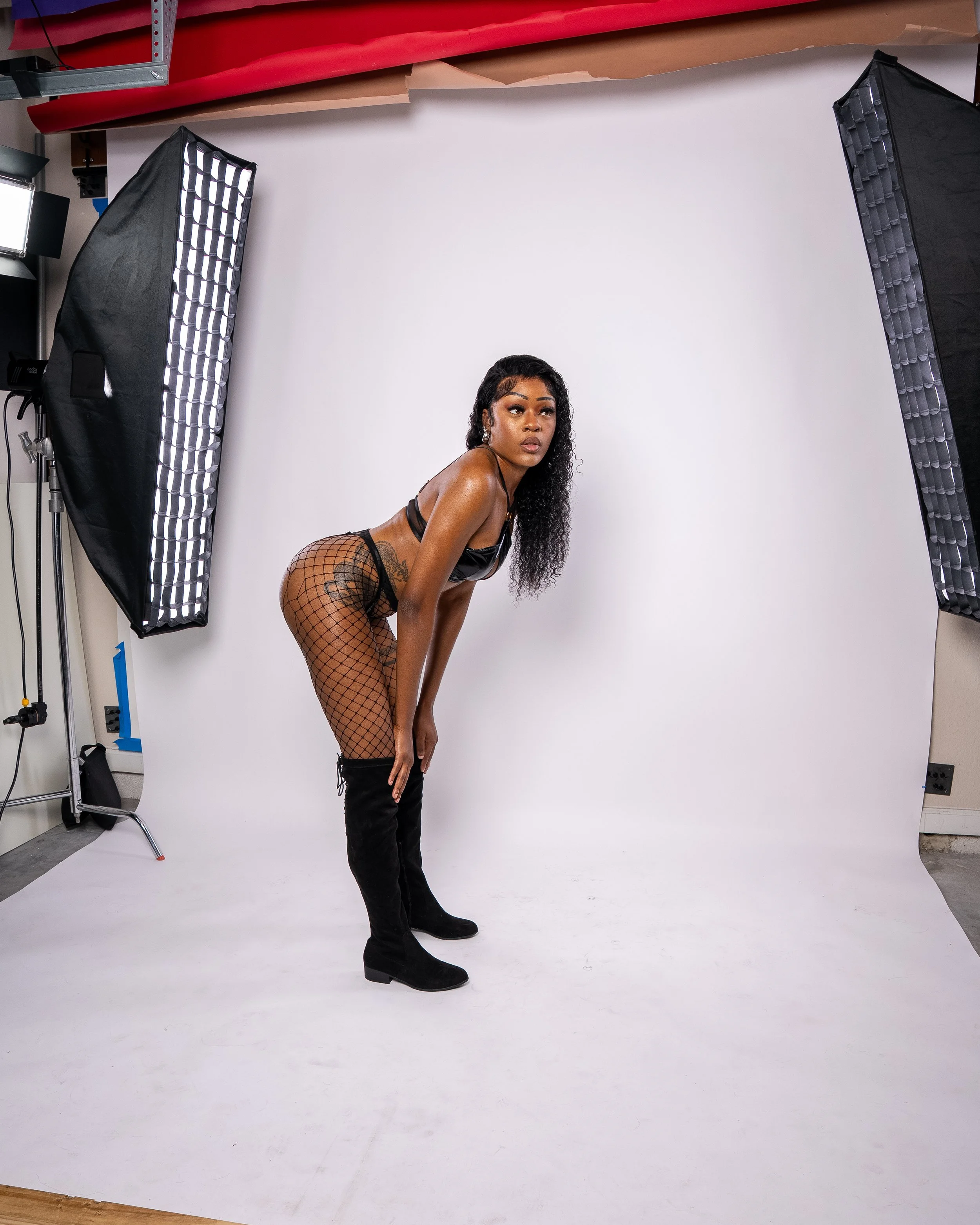 Image 3 of 11
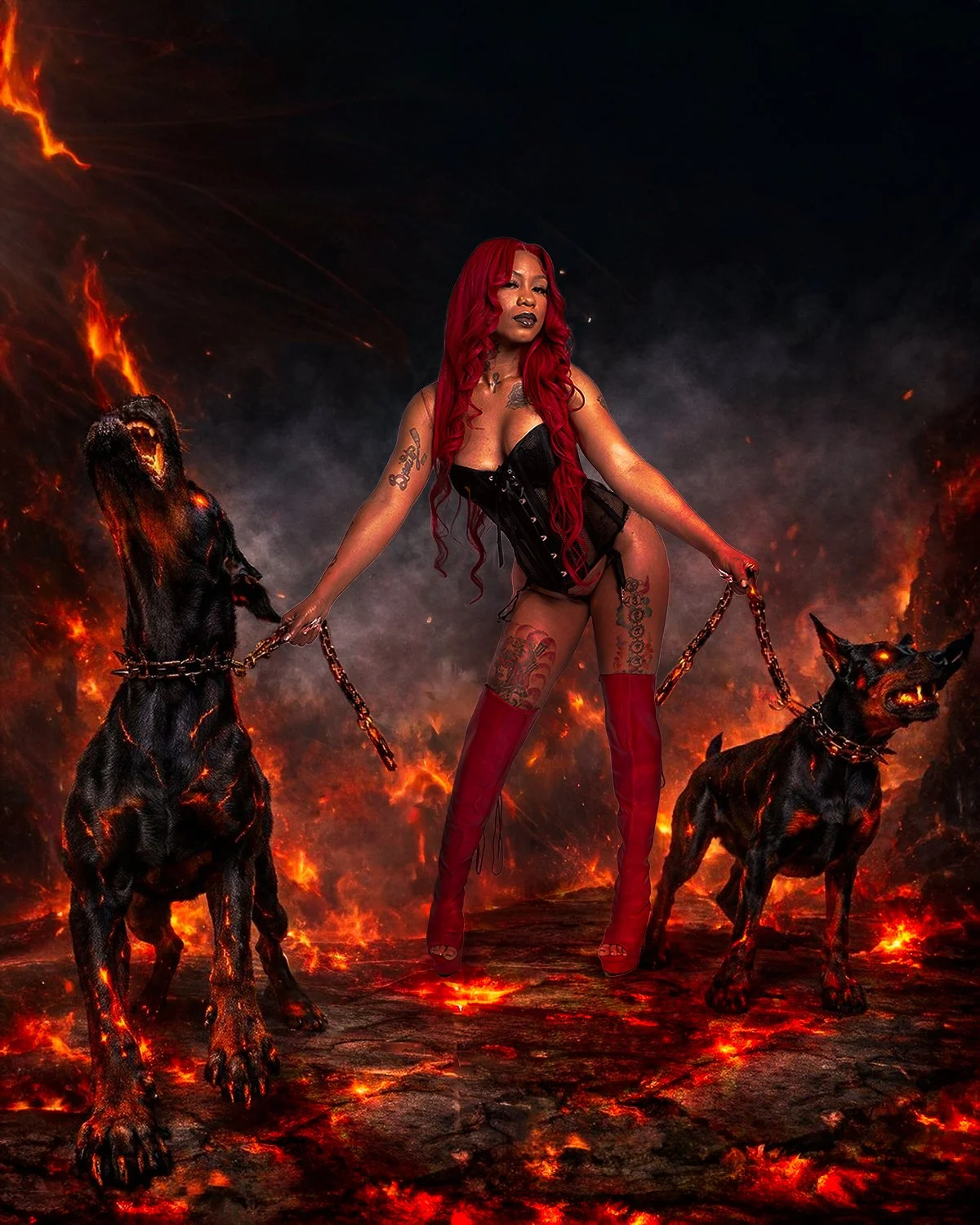 Image 4 of 11
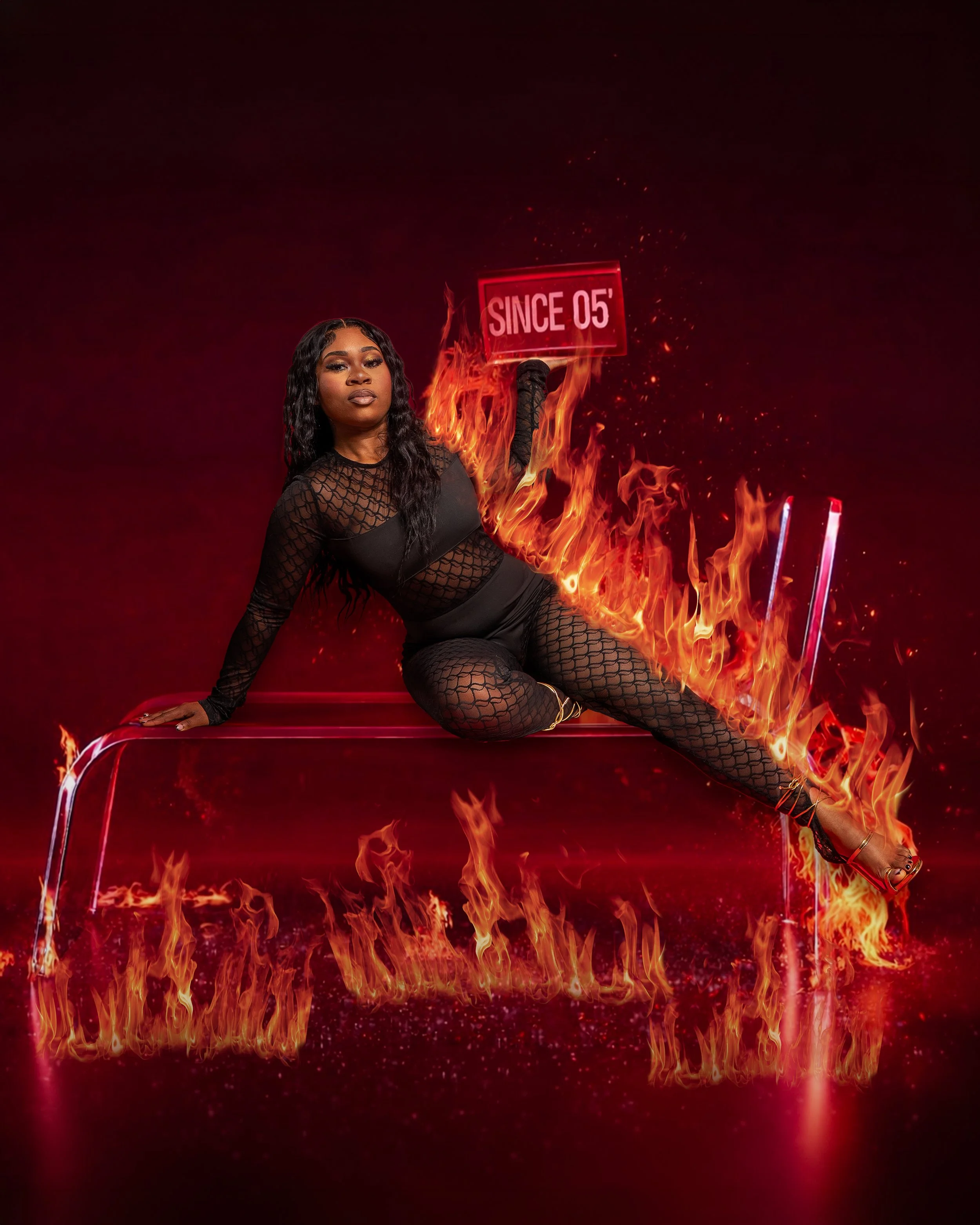 Image 5 of 11
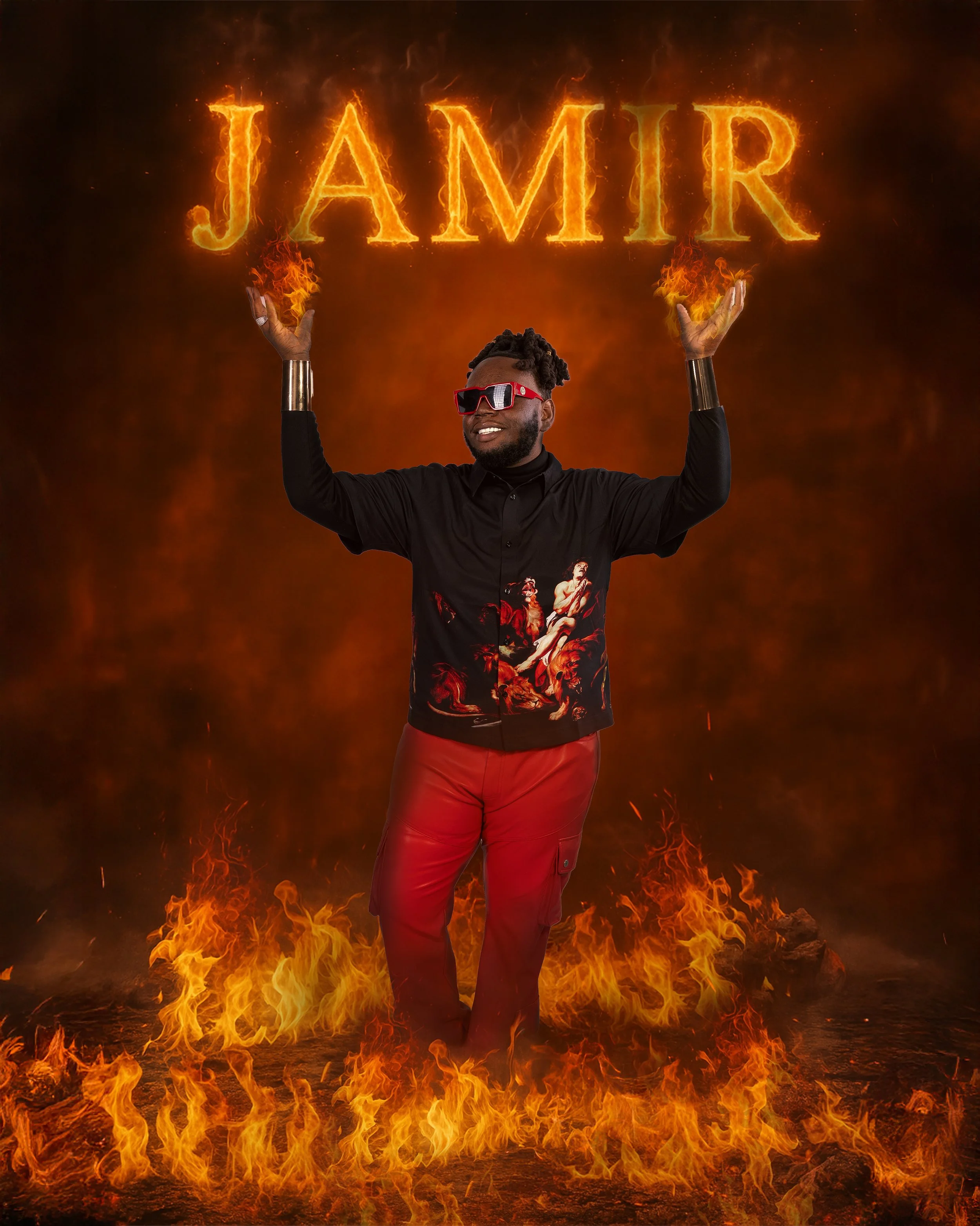 Image 6 of 11
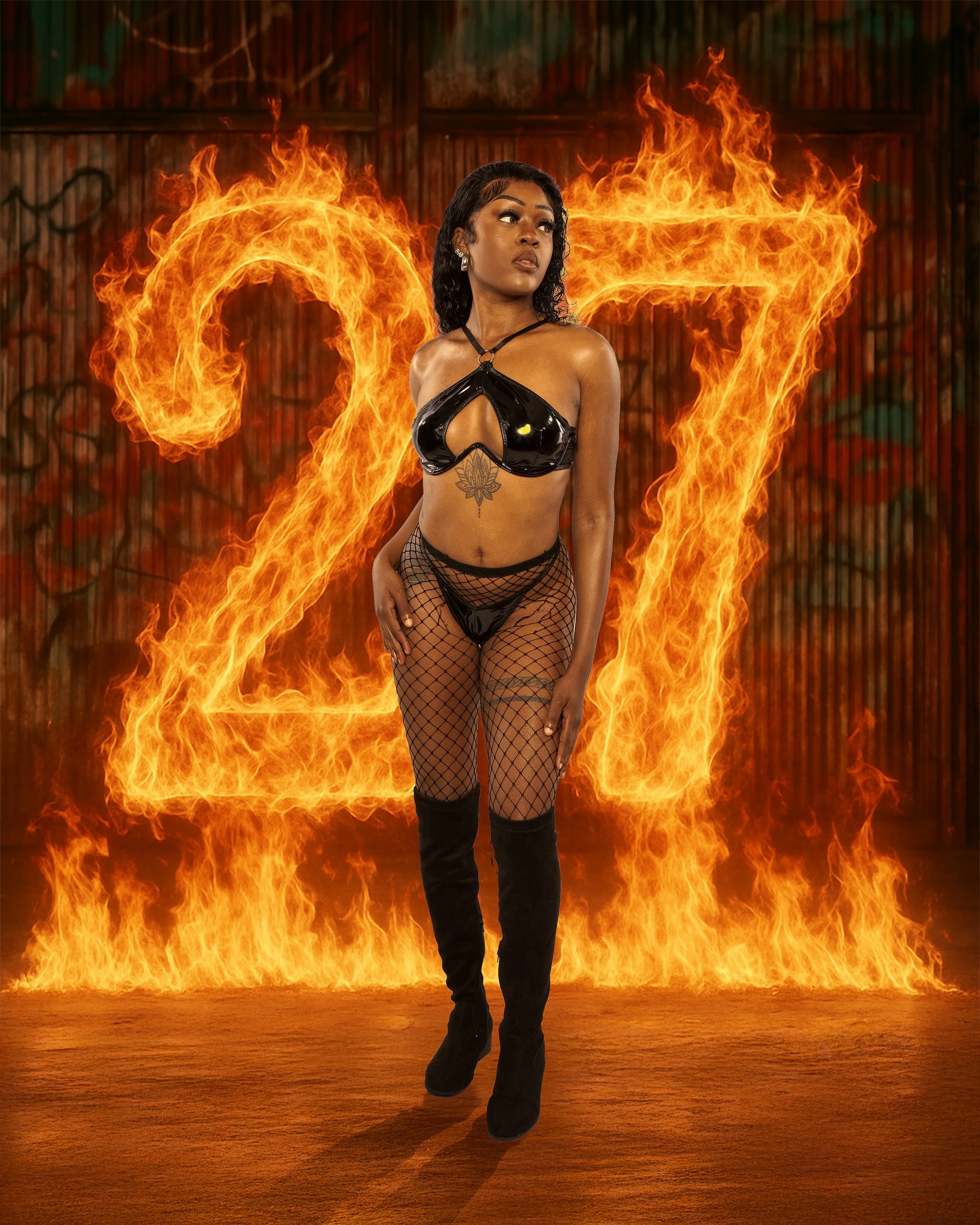 Image 7 of 11
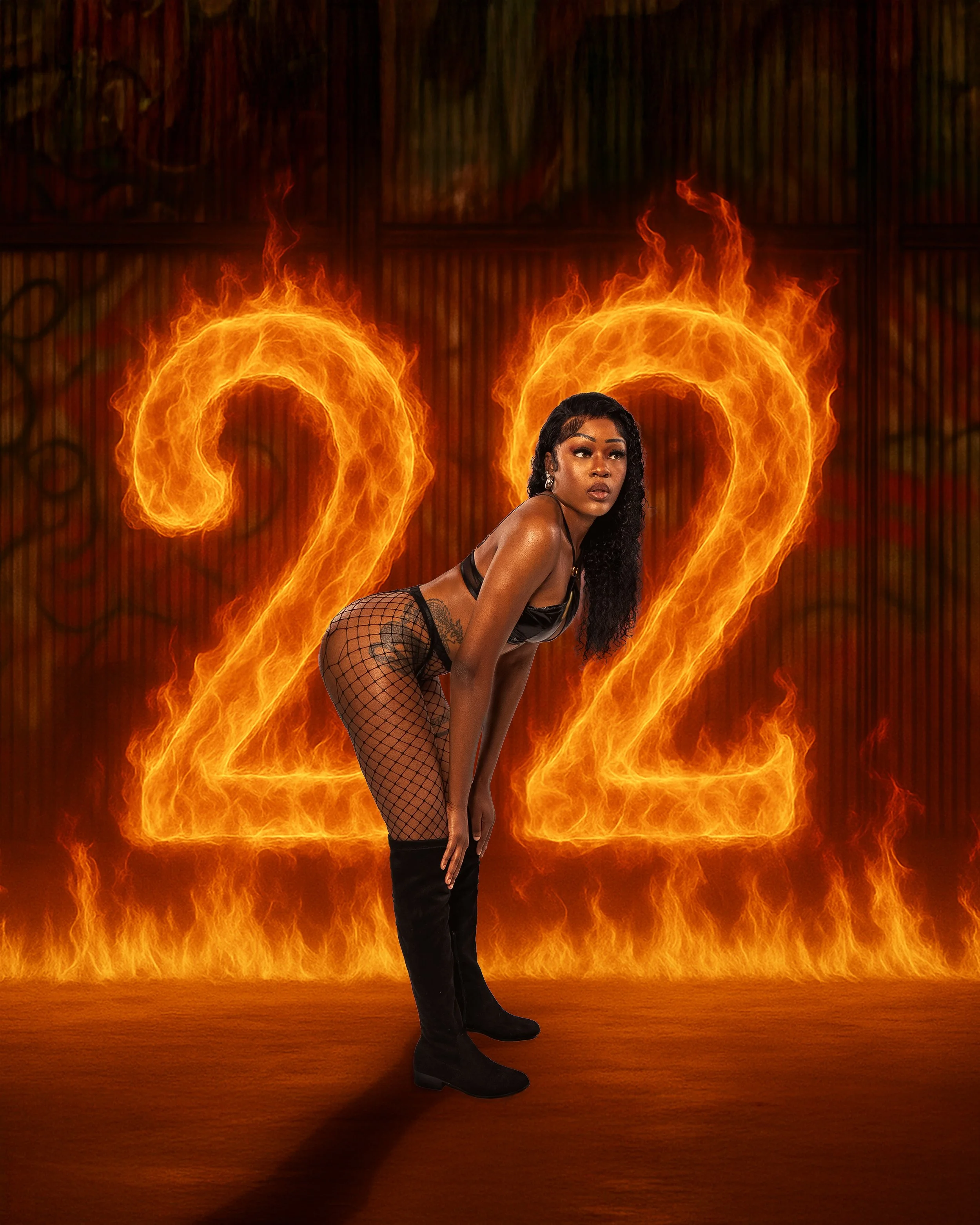 Image 8 of 11
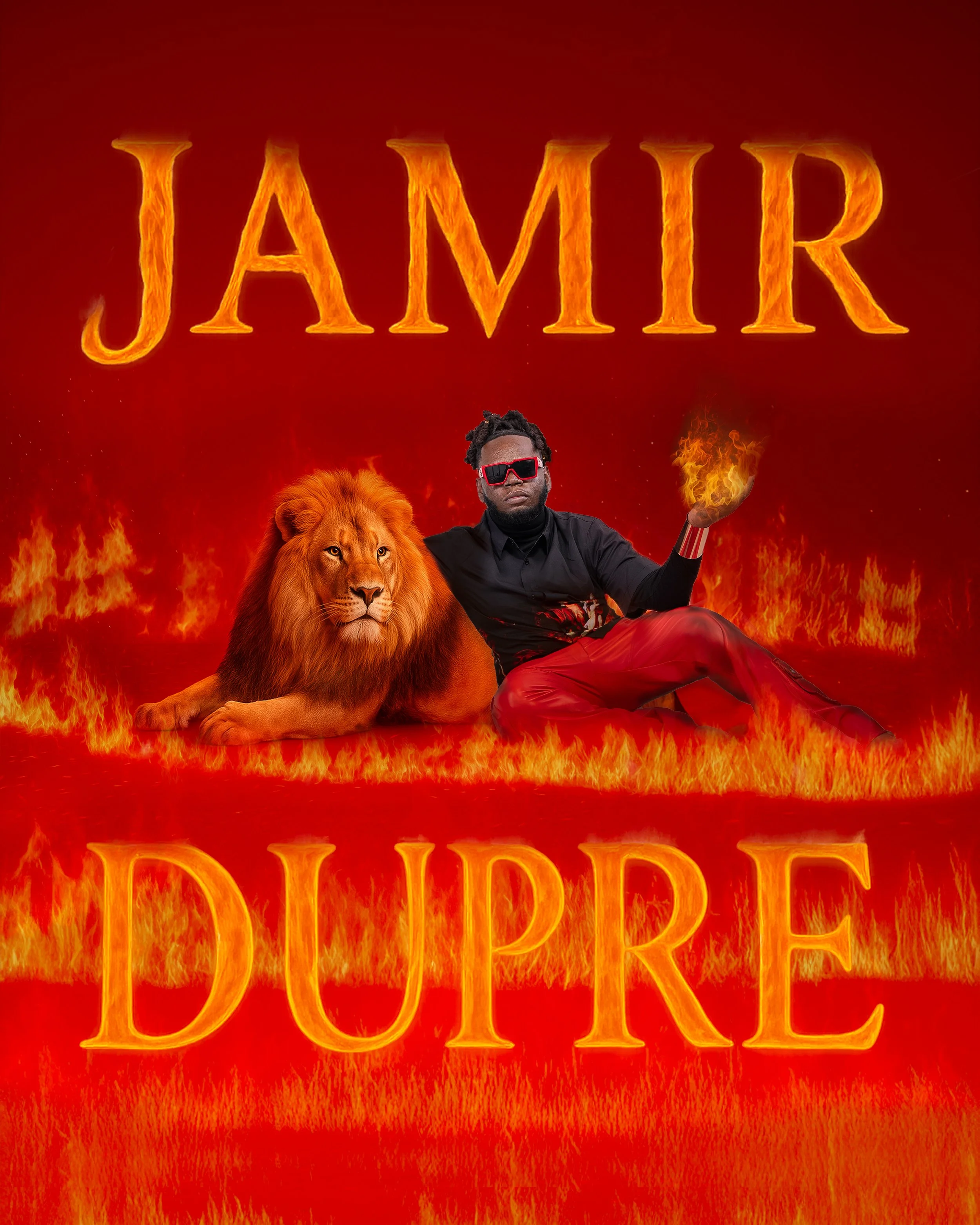 Image 9 of 11
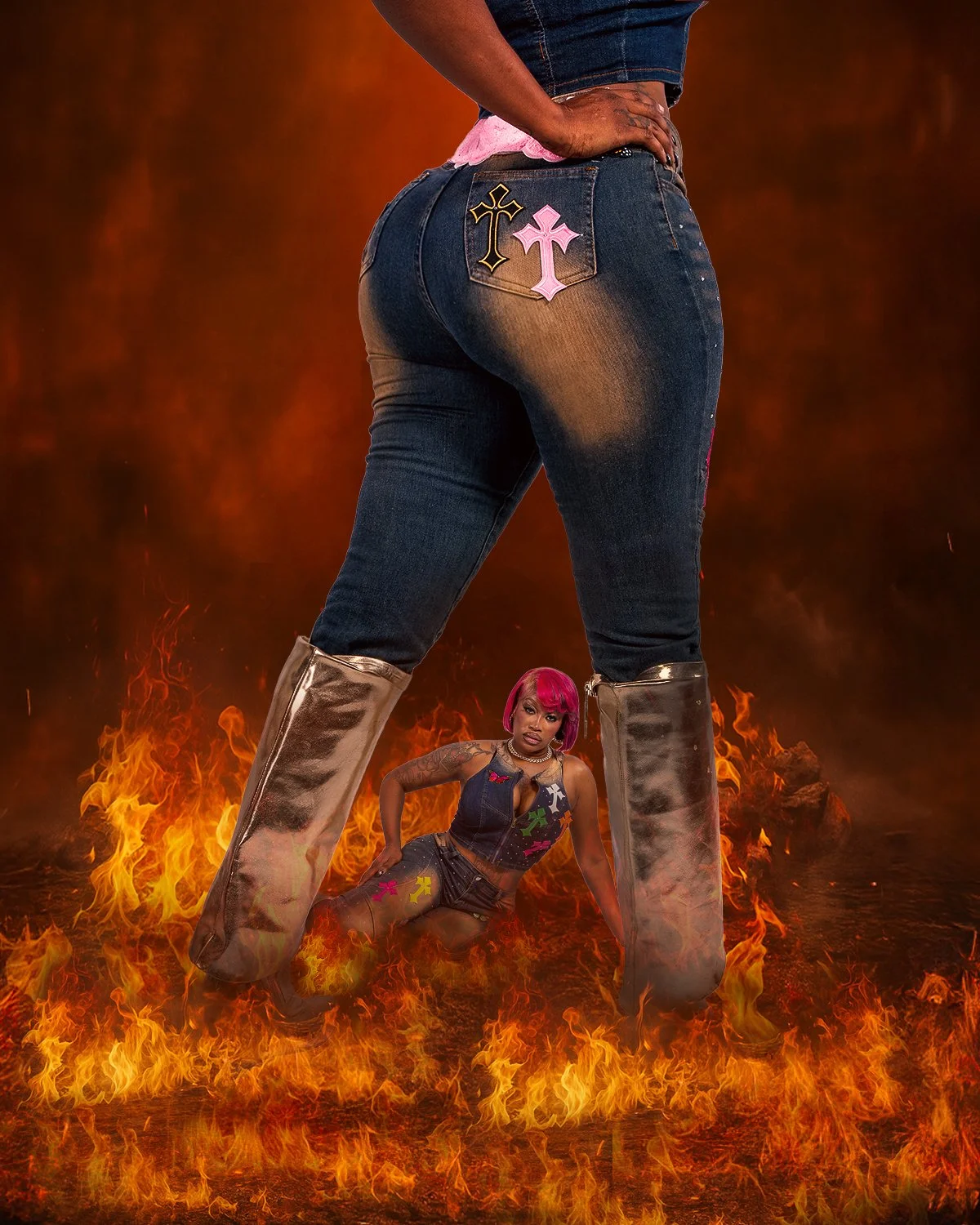 Image 10 of 11
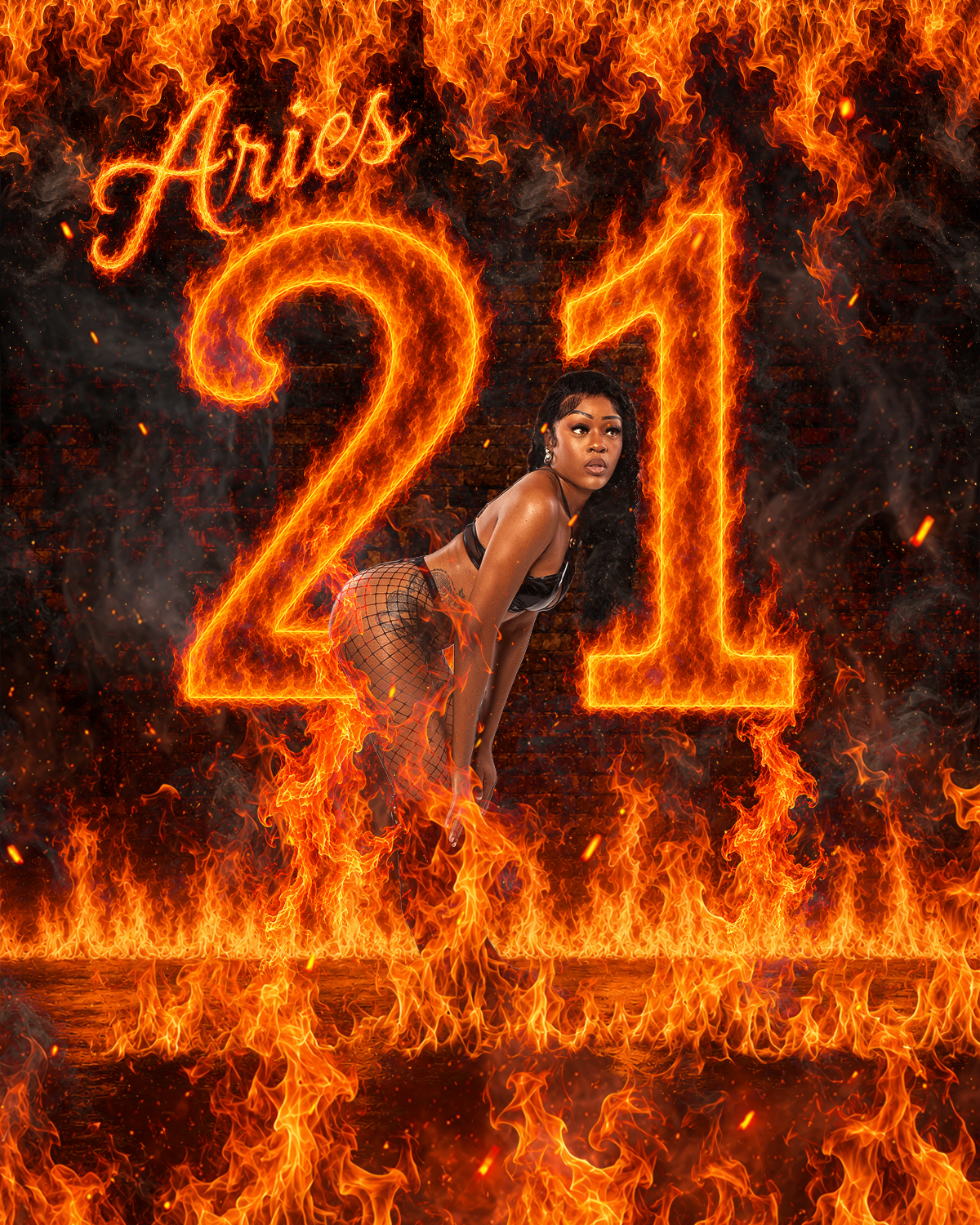 Image 11 of 11